

Introduction
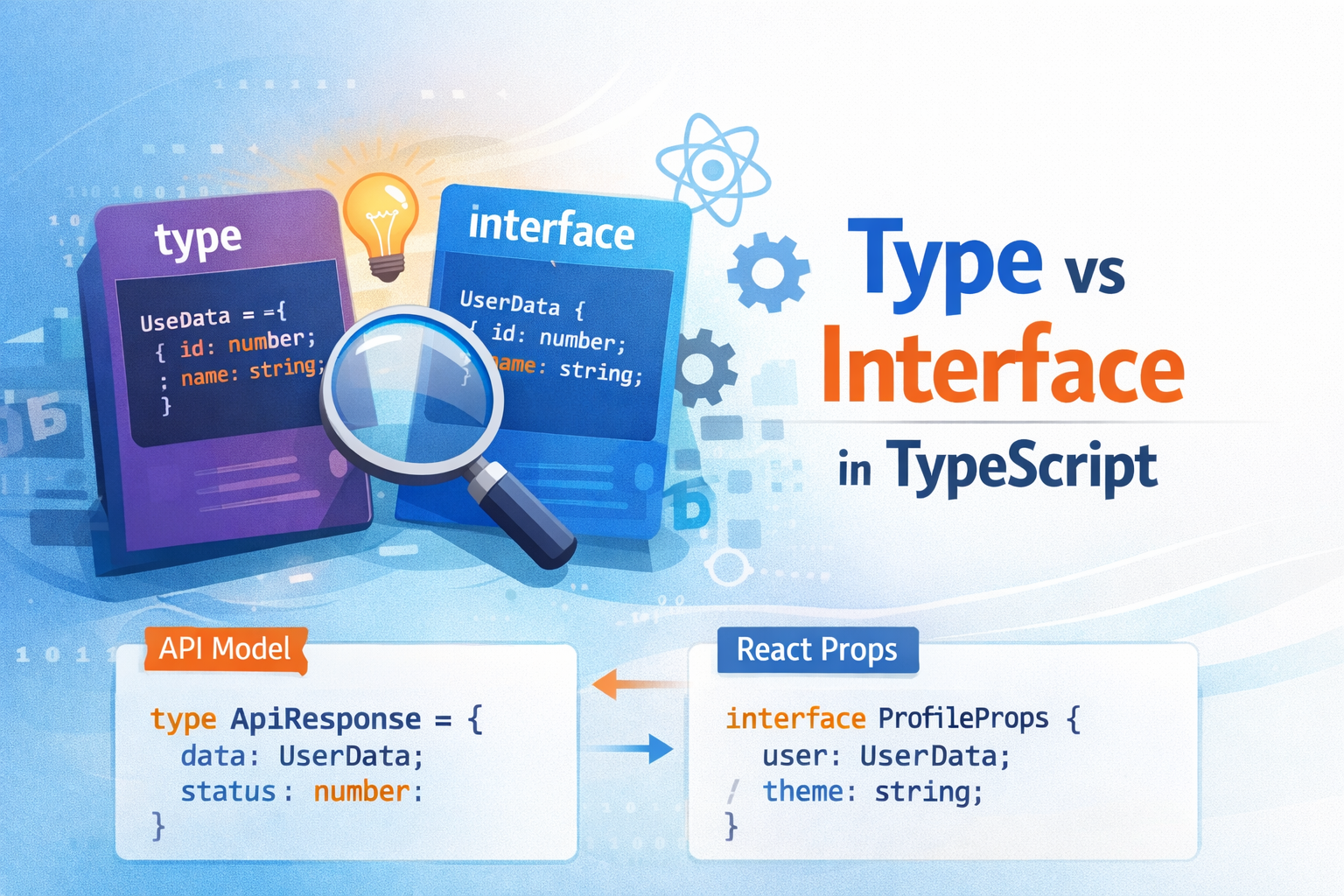
In Part 1, we discussed what TypeScript is and why it is useful in modern development. In this part, we’ll dive deeper into one of the most commonly asked and often confusing topics in TypeScript:
Type vs Interface – what’s the difference and when should you use which?
Both type and interface are used to define the shape of data, but they have important differences that matter in real-world applications.
What is an Interface?
An interface is primarily used to define the structure of an object. It is most commonly used when designing APIs, classes, and public contracts.
Basic Example
interface User {
  id: number;
  name: string;
  email: string;
}
This ensures that any object of type User must follow this structure.
What is a Type?
A type alias allows you to define a name for any type, not just objects. This includes primitives, unions, intersections, tuples, and more.
Basic Example
type User = {
  id: number;
  name: string;
  email: string;
};
At first glance, this looks identical to an interface—and in many cases, it behaves the same.
Key Differences Between Type and Interface
1. Declaration Merging (Interface Only)
Interfaces support declaration merging, meaning you can define the same interface multiple times and TypeScript will merge them.
interface User {
  name: string;
}

interface User {
  age: number;
}

const user: User = {
  name: "Nishank",
  age: 30,
};
❌ This is not possible with type.
type User = { name: string };
// Error: Duplicate identifier 'User'
✅ Real-world use case:
- Extending third-party library types
- Augmenting global objects (e.g.,
Window)
2. Extending and Implementing
Interface Extension
interface BaseUser {
  id: number;
}

interface Admin extends BaseUser {
  role: string;
}
Type Intersection
type BaseUser = {
  id: number;
};

type Admin = BaseUser & {
  role: string;
};
Both work, but interfaces feel more natural for object hierarchies.
3. Use with Classes
Interfaces are commonly used with classes using the implements keyword.
interface AuthService {
  login(username: string, password: string): boolean;
}

class Auth implements AuthService {
  login(username: string, password: string): boolean {
    return username === "admin" && password === "1234";
  }
}
While classes can also implement type, interfaces are preferred for this use case.
4. Union Types (Type Only)
Only type can represent union types.
type Status = "loading" | "success" | "error";
❌ Interfaces cannot do this.
✅ Real-world use case:
- API response states
- Feature flags
- UI component variants
5. Tuples and Primitives (Type Only)
type Coordinates = [number, number];

type ID = string | number;
Interfaces cannot represent these types.
Real-Time Examples
Example 1: API Response Model
interface ApiResponse {
  success: boolean;
  message: string;
}
Why interface?
- Clean object structure
- Easy to extend later
Example 2: UI Component Props (React)
type ButtonProps = {
  label: string;
  variant: "primary" | "secondary";
  disabled?: boolean;
};
Why type?
- Uses union types
- Common in React props
Example 3: Extending Third-Party Types
interface Window {
  appVersion: string;
}
Why interface?
- Declaration merging is required
Type vs Interface – Quick Comparison
| Feature | Interface | Type |
|---|---|---|
| Object shape | ✅ | ✅ |
| Declaration merging | ✅ | ❌ |
| Union types | ❌ | ✅ |
| Tuples & primitives | ❌ | ✅ |
| Class implementation | ✅ (preferred) | ✅ |
| Extending | extends | & |
Best Practices (Industry Recommendation)
Use interface when:
- Defining object shapes
- Working with classes
- Designing public APIs
- Extending third-party or global types
Use type when:
- Working with unions or intersections
- Defining React props
- Creating utility or composite types
- Representing primitives or tuples
Rule of thumb:
If you’re modeling an object → start withinterface.
If you need flexibility → usetype.
Conclusion
Both type and interface are powerful and essential tools in TypeScript. They are not competitors, but complementary features.
Understanding when to use each will help you write:
- Cleaner code
- More scalable architectures
- Better-documented applications
In the next part, you can explore advanced TypeScript patterns such as generics, utility types, and conditional types.
Happy coding!